HatBOM2 (View, Translate) is a tool designed for visualizing and converting Software Bill of Materials (SBoM) files.
It can convert SBoM files between CycloneDX and SPDX formats.
Additionally, the tool offers a visual representation of the dependencies present in the SBoM files.
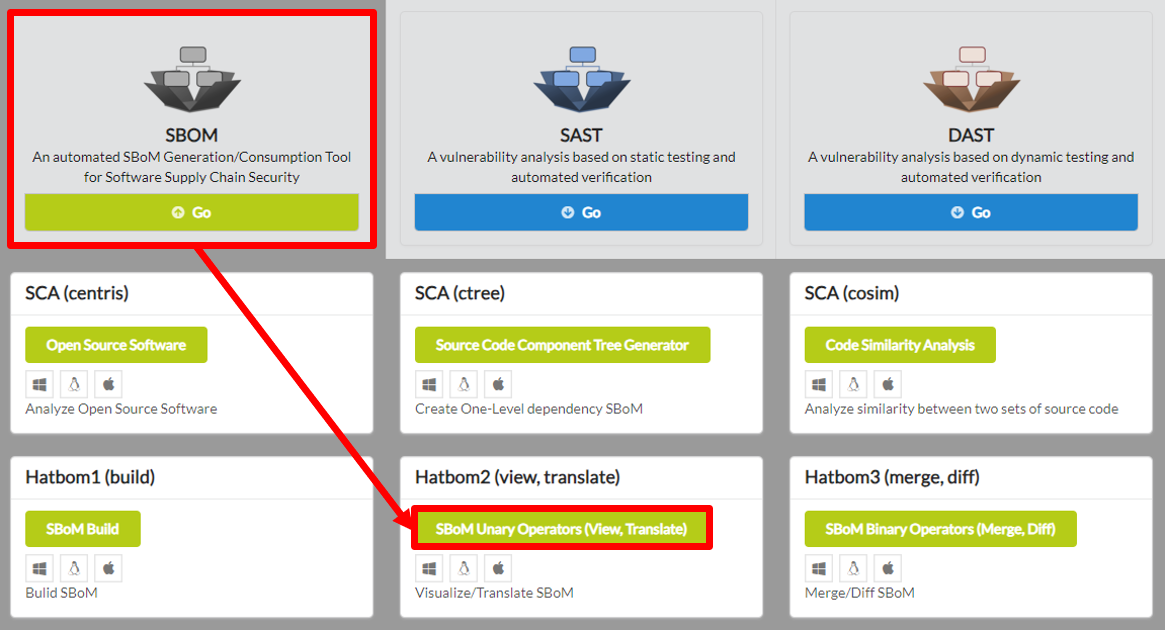
To begin HatBOM2 (View, Translate), click SBOM in the main page of IoTcube, then proceed by clicking SBoM Unary Operators (View, Translate).
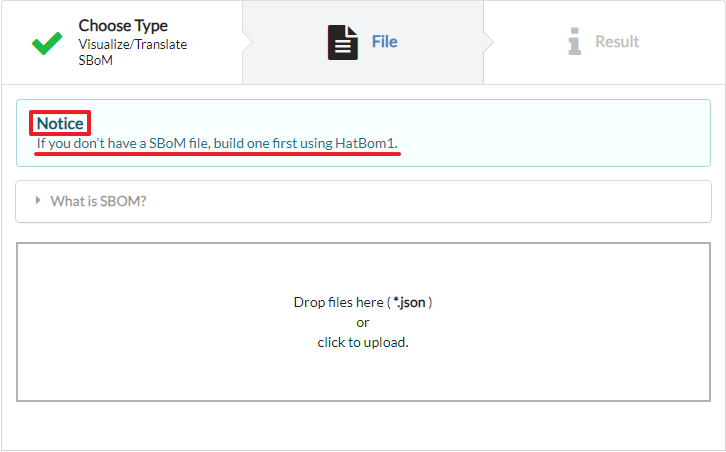
The I/O page requires an SBoM *.json file as input. If you do not possess an SBoM file, create one initially using HatBOM1 (Build).
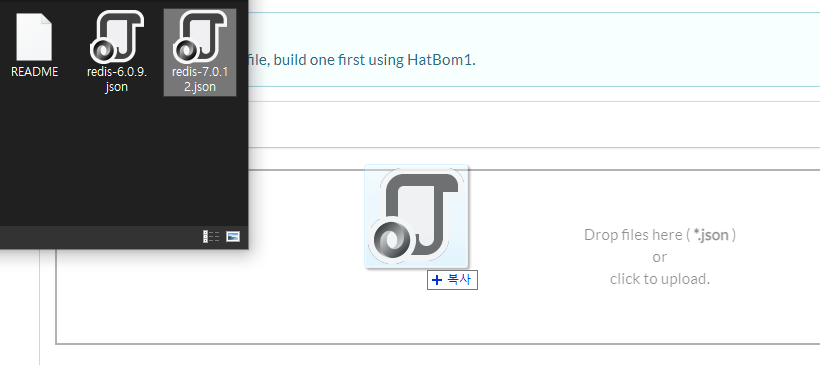
Upload the generated SBoM file either by dragging & dropping the file into the upload box, or by selecting from a file dialog.
Note that HatBOM2 (View, Translate) only supports SBoM files of CycloneDX and SPDX format.
IoTcube automatically proceeds to the result page when the upload is complete.
HatBOM2 (View, Translate) provides a detailed visualization of the dependency components present in the input SBoM file.
The visualized tree shows the OSS, dependency components and their respective versions.
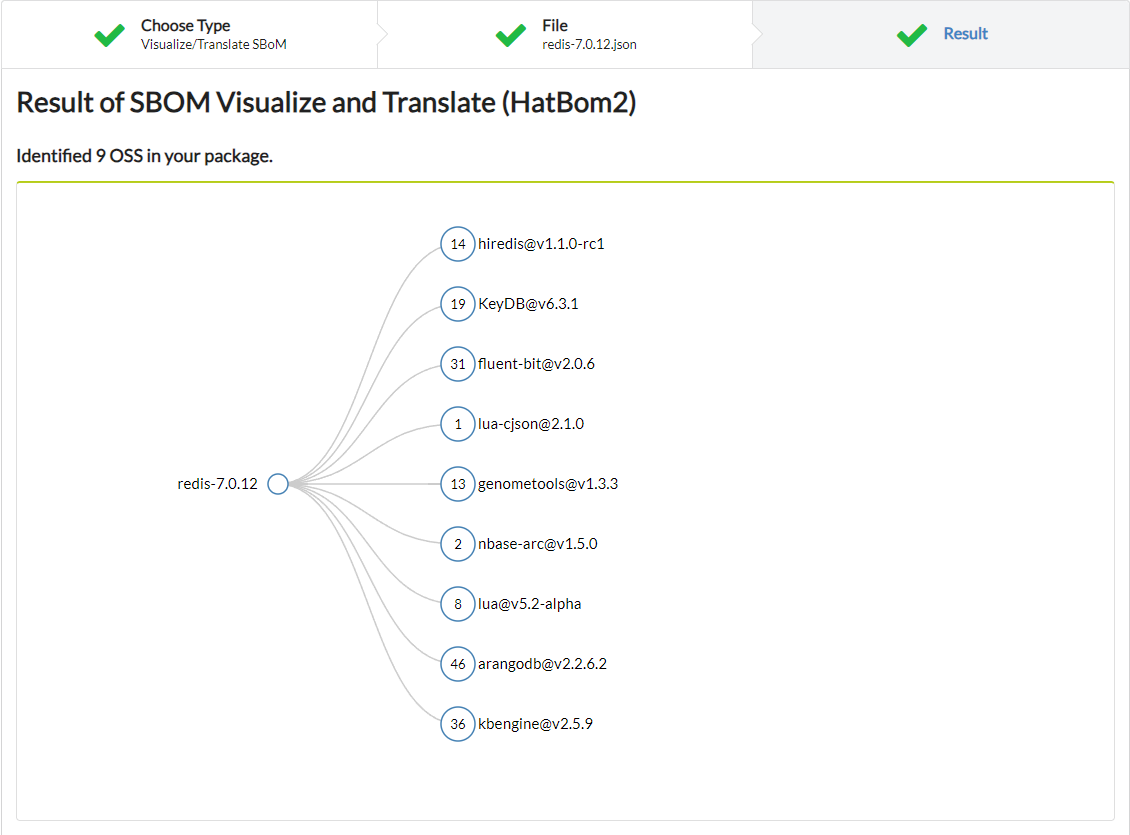
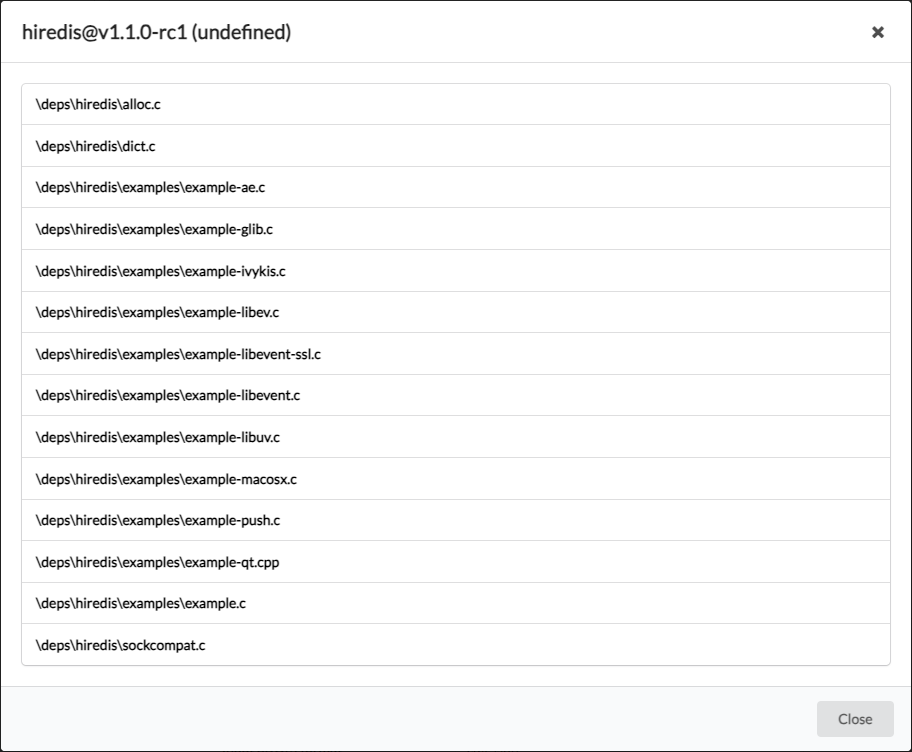
By clicking a node, you can see the files that have dependencies with the selected component.
Below is a table including the result details. The table shows information such as input file name, format of the input/output SBoM file, the number of files listed in the SBoM, and more.
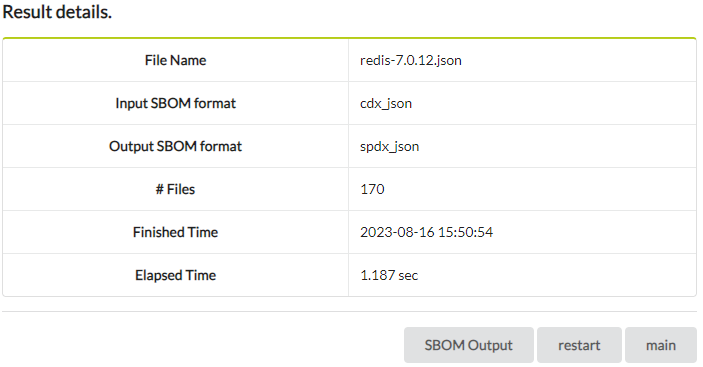
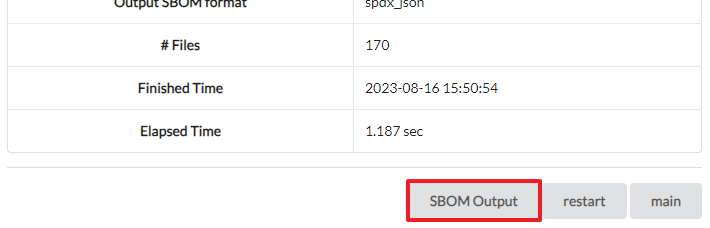
HatBOM2 (View, Translate) automatically determines the format of the input SBoM file. If you entered a CycloneDX format SBoM, it will be converted to SPDX format. If you entered a SPDX format SBoM, it will be converted to CycloneDX format. You can download the converted SBoM file by clicking the "SBOM Output" button.
HatBOM includes other operations that can be done using a SBoM json file.