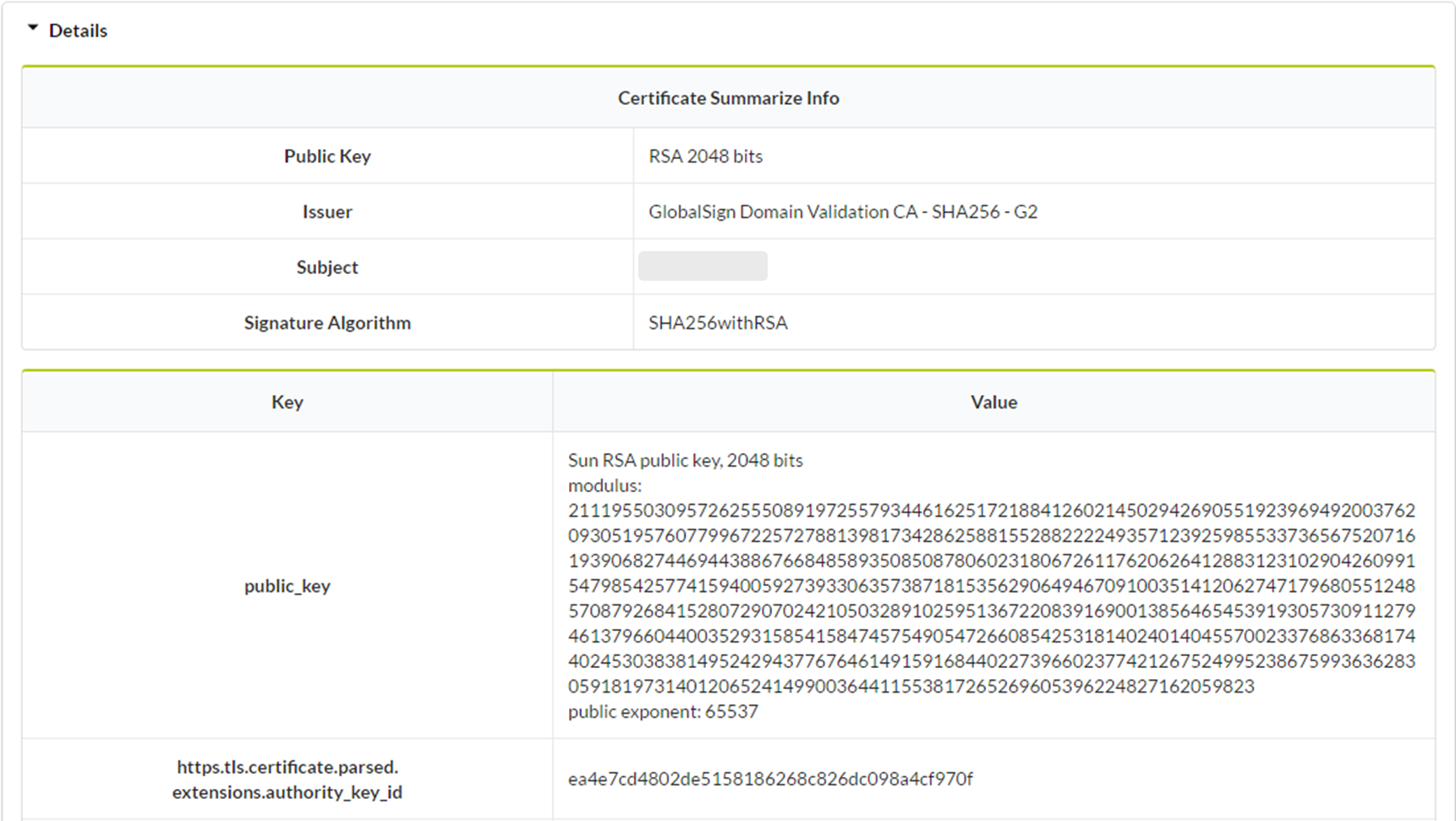
Network Security sCanner with Automatic detectioN (nscan) is a tool for efficiently scanning for and detecting TLS vulnerabilities in a target web server.
The tool can detect 5 TLS vulnerabilities and 3 weak cryptographic primitives and 1 TLS option.
The research paper: The research paper: "Return of version downgrade attack in the era of TLS 1.3"
To begin nscan, click Network Testing in the main page of IoTcube, then proceed by clicking TLS Vulnerabilities Testing.
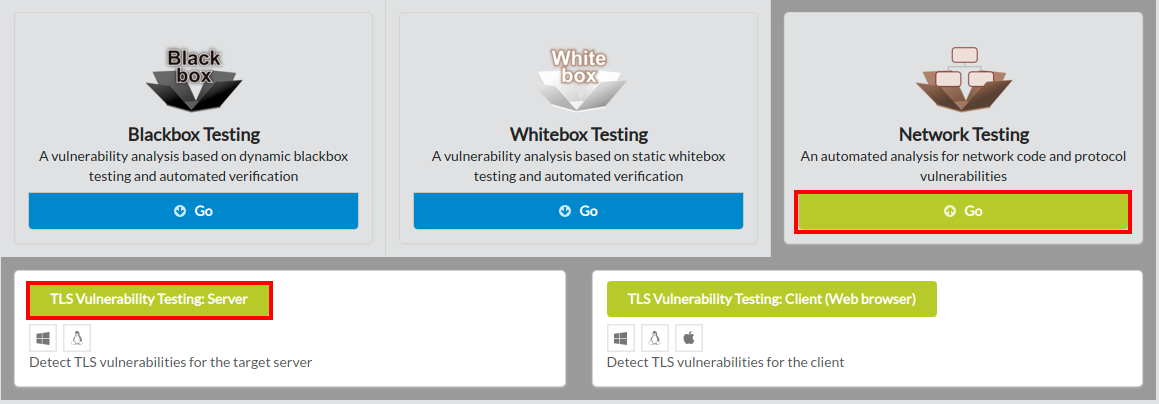
Click the link to download nscan.
MS Windows and Linux (32 and 64 bit) are supported.
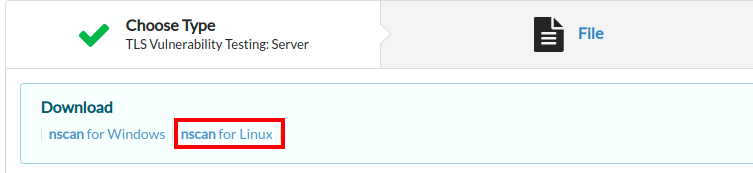
Using nscan, you can scan TLS vulnerabilities in the target web server by following the directions below
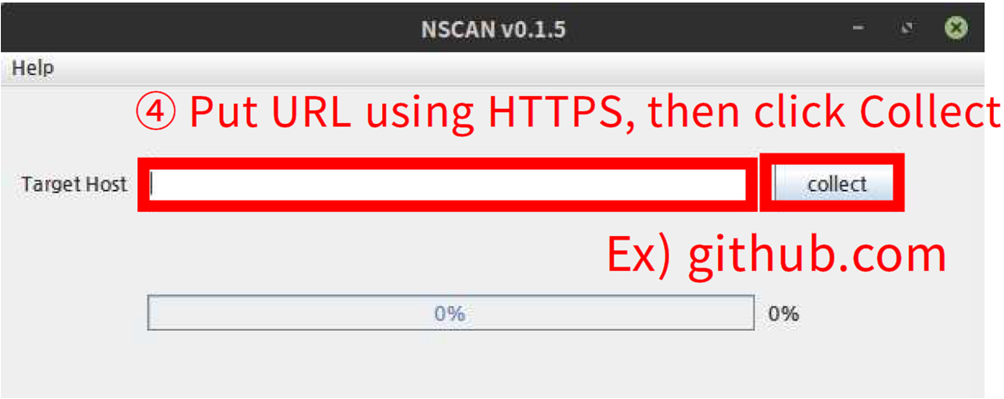
Put the target server's url using https and click the collect button or press Enter.
Upload the generated .ivd file either by dragging & dropping the file into the upload box, or by selecting from a file dialog.
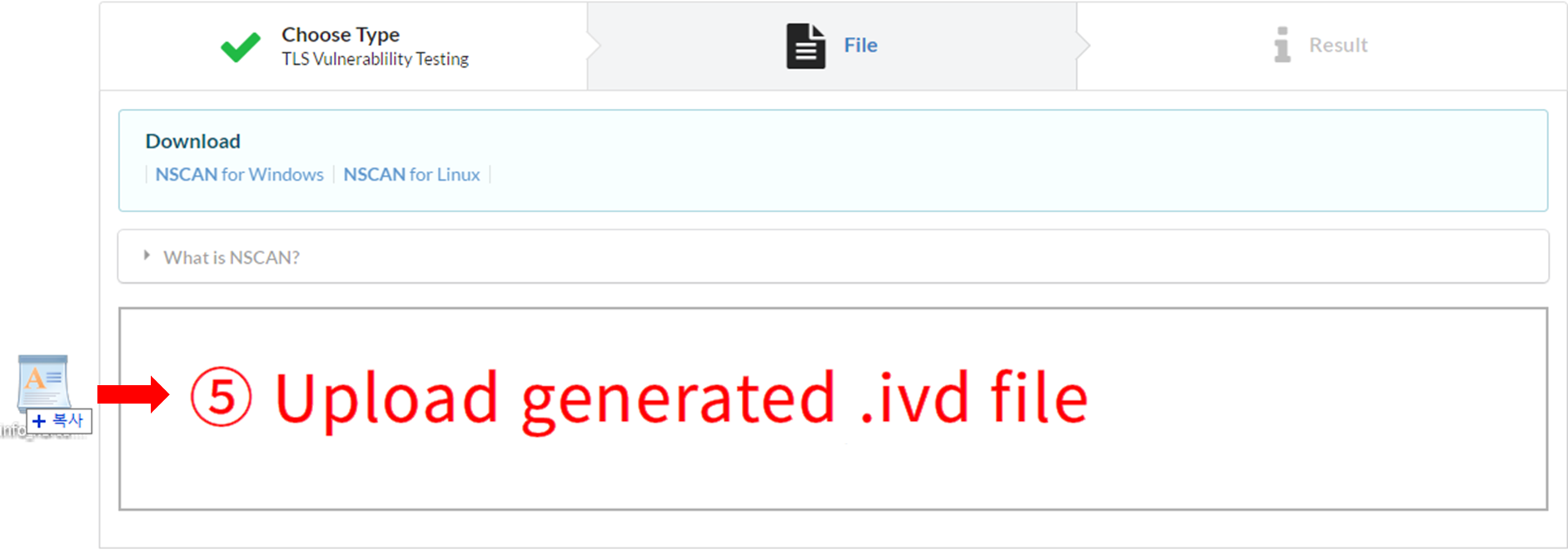
IoTcube automatically proceeds to the result page when the upload is complete.
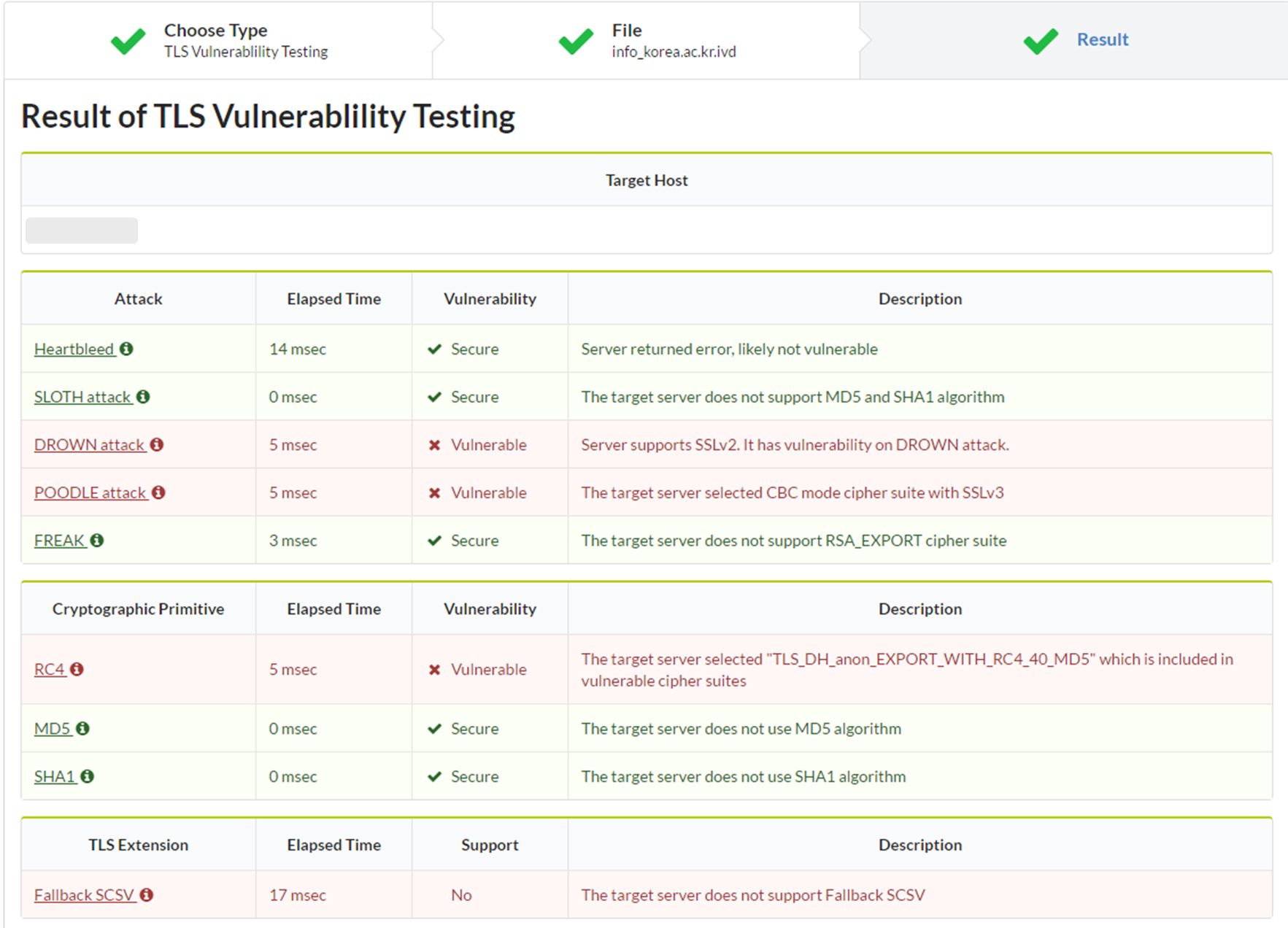
nscan provides you the result of analysis.
The result shows detected vulnerabilites in the target server and the descriptions of the TLS vulnerabilities.
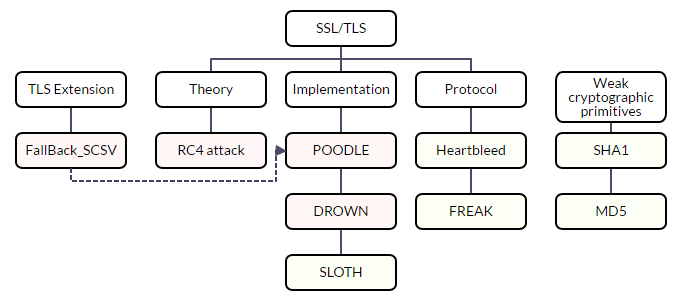
The result is visualized in tree architecture to effectively show the state of the target server.
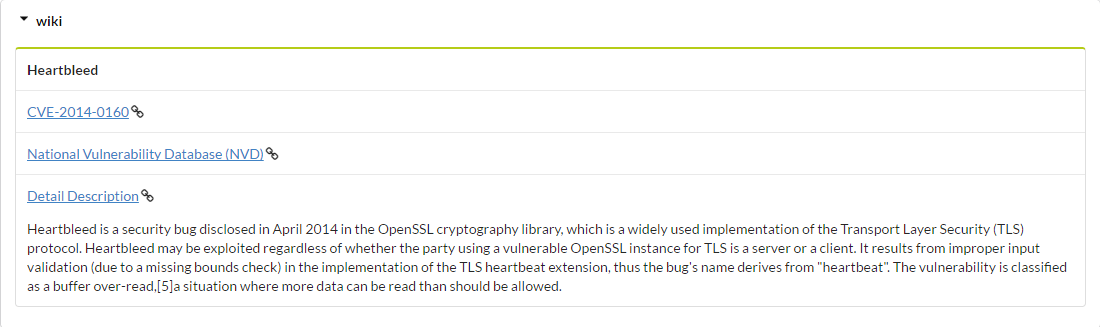
The User can view wiki information on each of the TLS vulnerabilities.
Detailed information of TLS connection is provided.