Propagated Smart Contract Detection is an approach for the scalable detection of propagated vulnerable codes reuses in a smrat contract using smart contract vulnerable code clone detection.
prost refers to Propagated Vulnerable Smart Contract anaylzer.
using the Solidity-complete-parser: https://github.com/yjkellyjoo/Solidity-complete-parser and the Type-2 Vulnerable Code Clone Detection mechanism: VUDDY: A Scalable Approach for Vulnerable Code Clone Discovery.
By using prost, you can check whether input file written in Solidity programming language has propagted vulnerable code based on cve database.
prost requires your '.sol' smart contract executable file as an input.
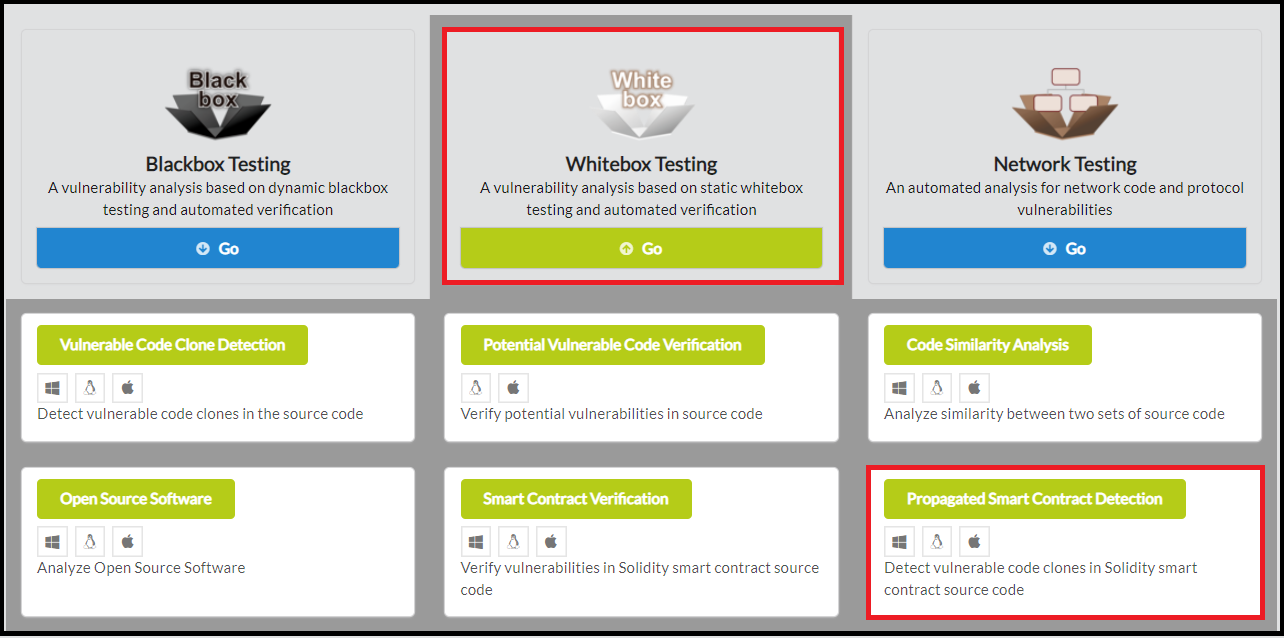
To start using prost, click Whitebox Testing in the main page of IoTcube, then proceed by clicking Propagated Smart Contract Detection.
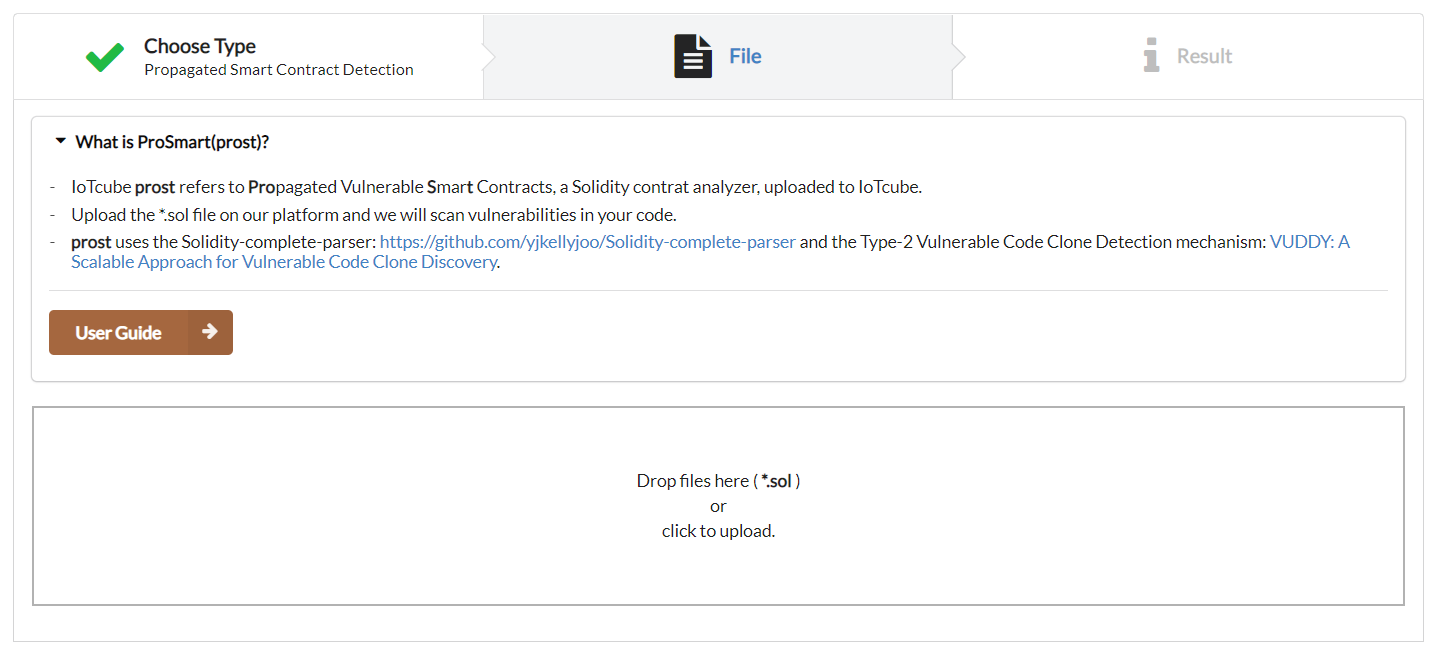
Upload the *.sol file either by dragging & dropping the file into the upload box, or by selecting from a file dialog.
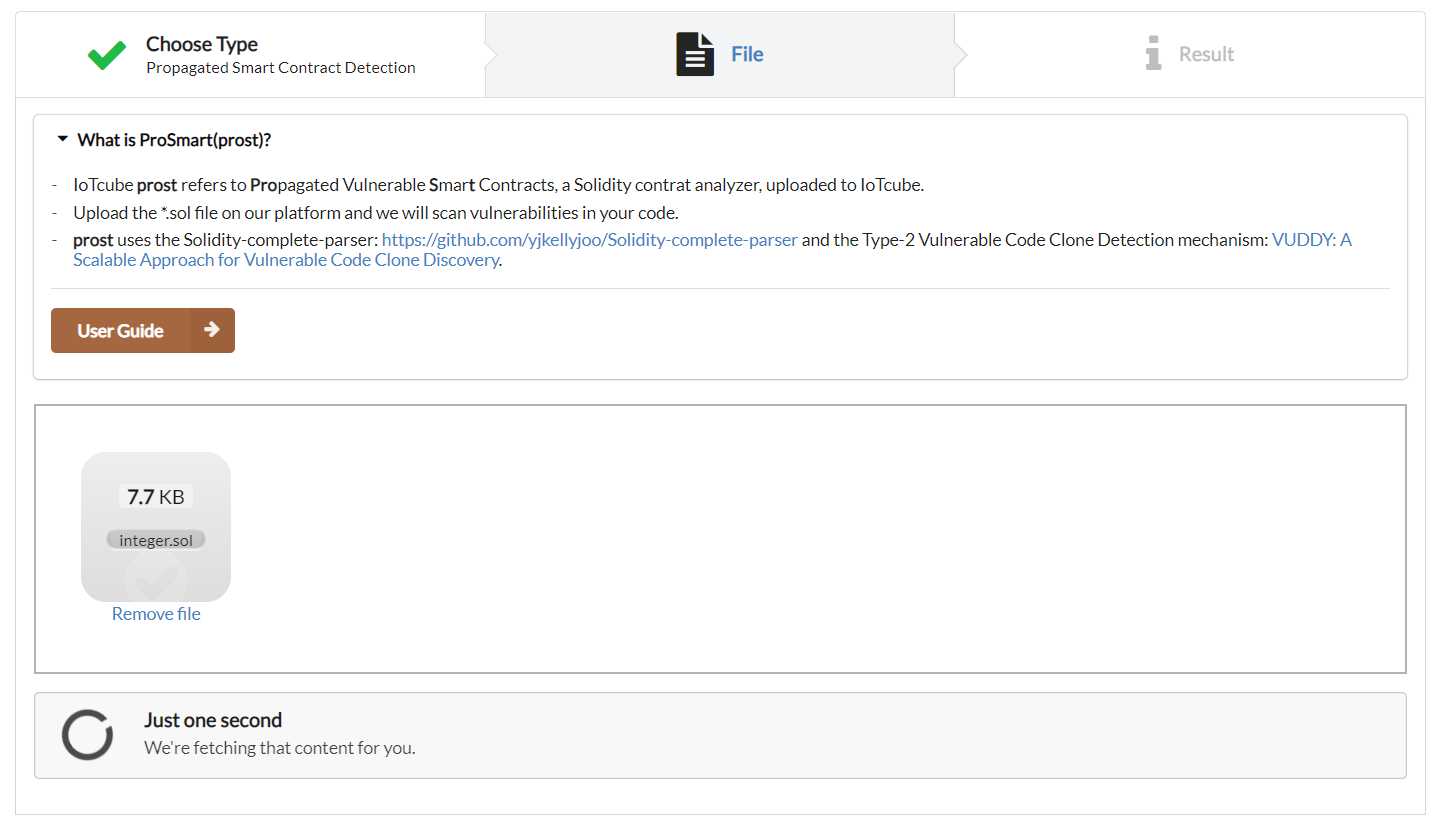
IoTcube automatically proceeds to the result page when the upload is complete.
After uploading your *.sol file, it will be checked by prost and show you the result of detection.
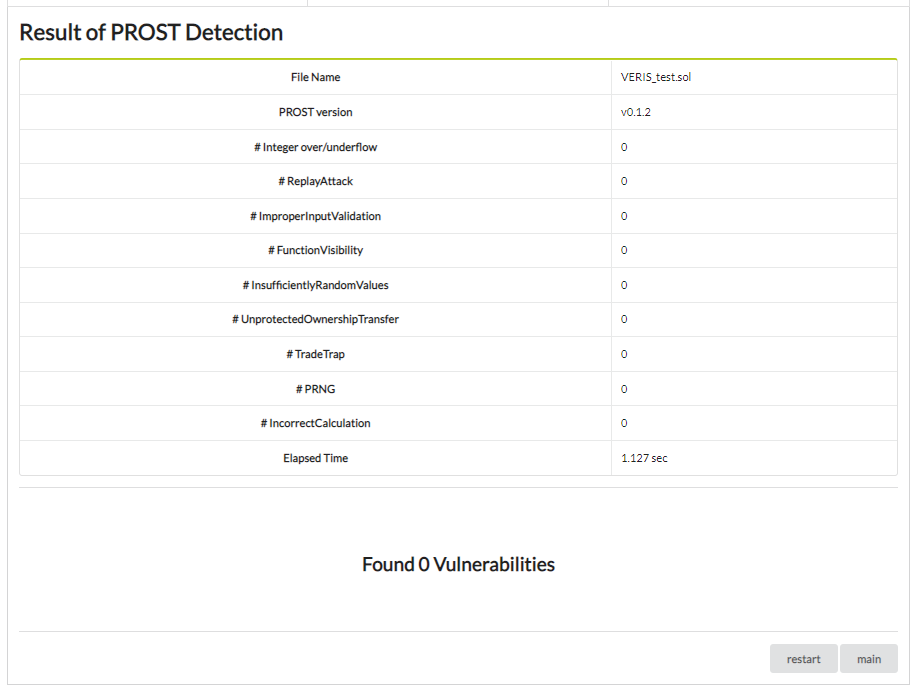
If the detection was successfull you will see the following:
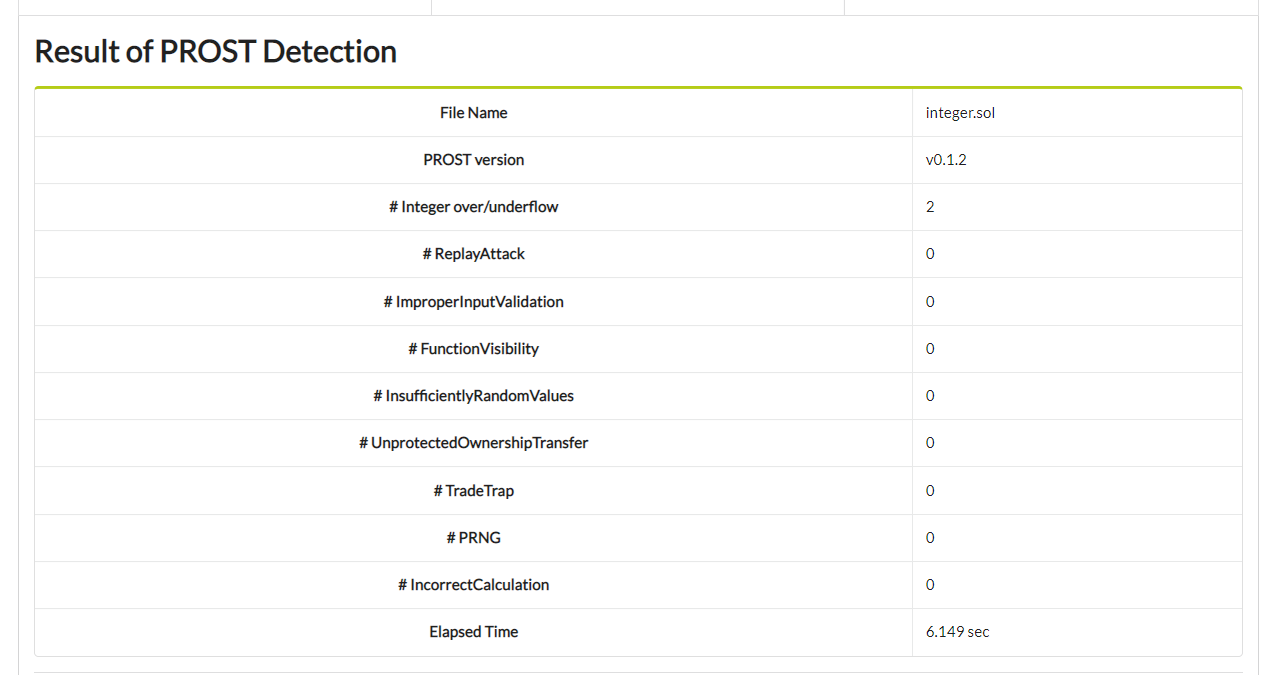
1.) Table, showing the result statistics.
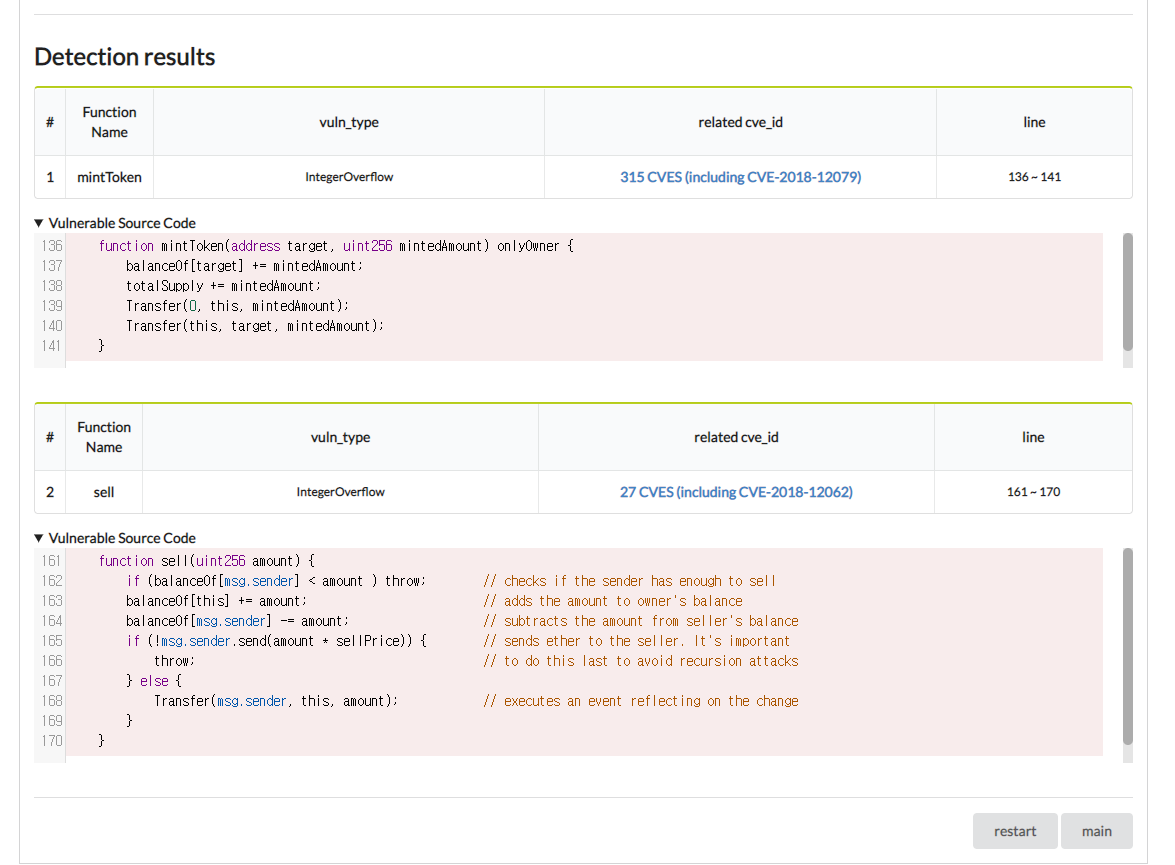
2.) Detection results showing vulnerable fuction info, type of vulnerability , related cve ids
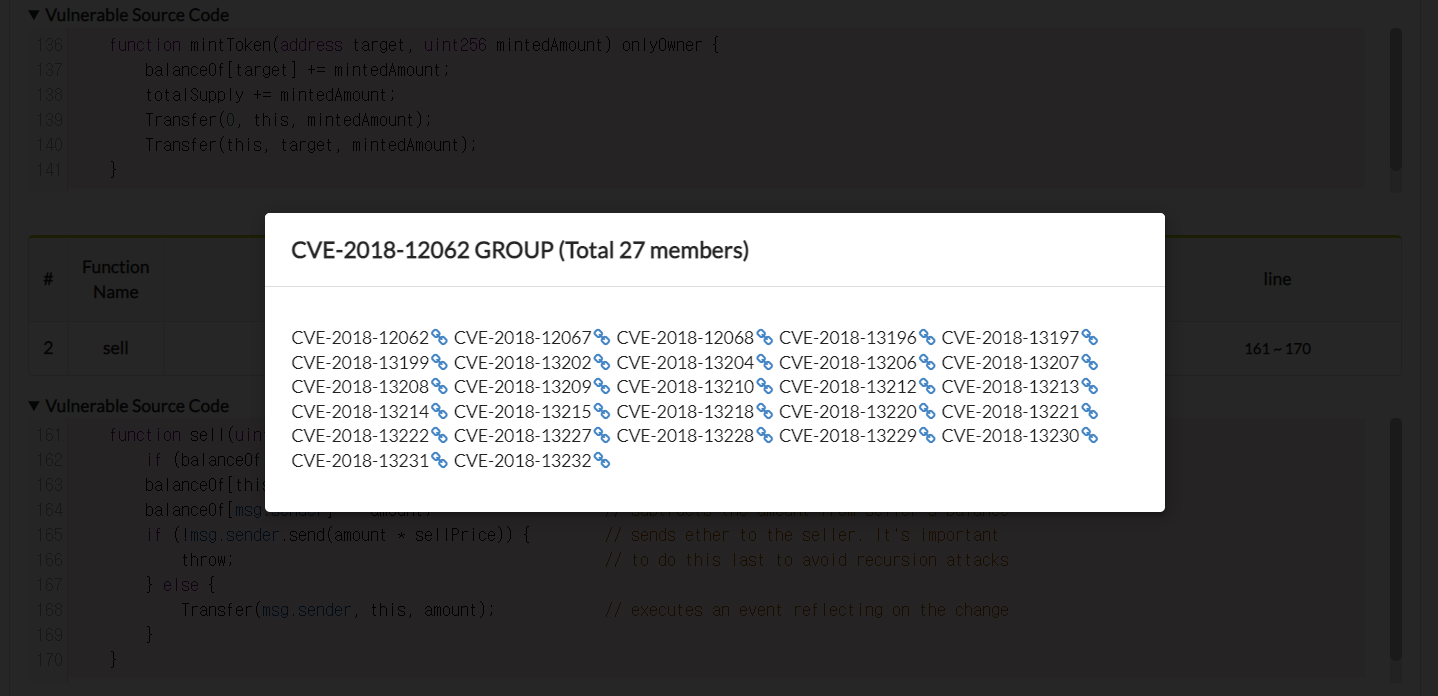
3.) Click related cve_id to check CVE group memebers which have same vulnerable code
If the propagated vulnerable code doesn't exist, you will see.