Binary Code Clone Detection(QKBCC) is a tool for finding vulnerable code clones in binary executables.
You can upload .zip file of binary executables. The qkbcc analyzes binary executables and detects vulnerable code(function) by using a vulnerability DB.
Vulnerability DB is experimental, containing small number of signatures for well-known vulnerabilities.
The research paper: QuickBCC: Quick and Scalable Binary Vulnerable Code Clone Detection
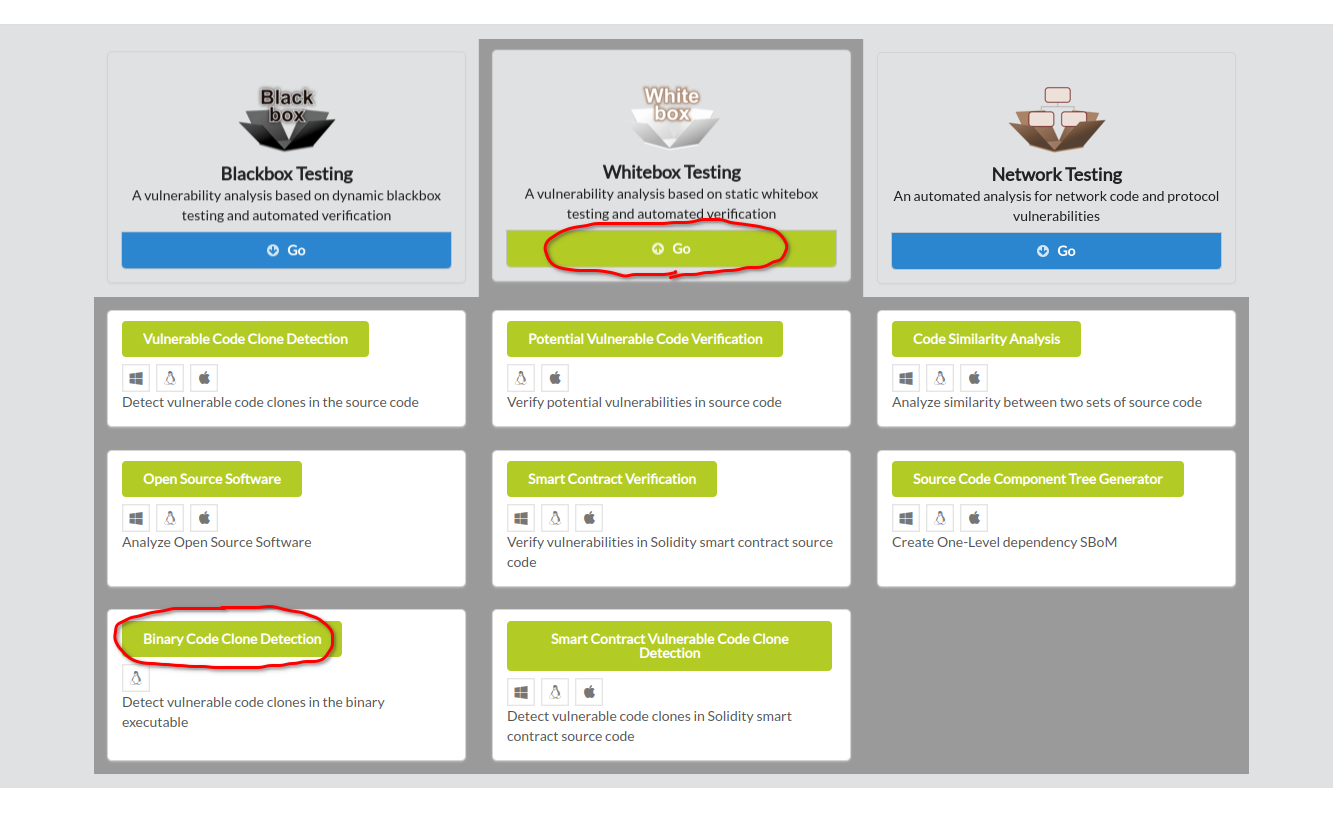
To begin binary code clone detection, click Whitebox Testing in the main page of IoTcube, then proceed by clicking Binary Code Clone Detection.
Upload the *.zip file of binary executables either by dragging & dropping the file into the upload box, or by selecting from a file dialog.
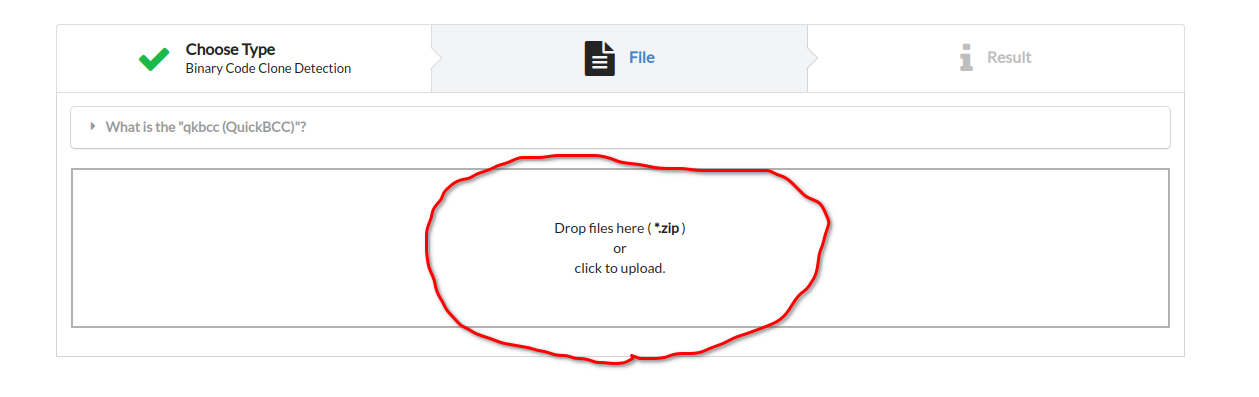
After uploading the .zip file to analyze, qkbcc automatically unzip the given file and analyze internal binary executables.
Depending on the size of given zip file, it may take from 1 minutes to longer to complete analysis.
IoTcube automatically proceeds to the result page when the upload is complete.
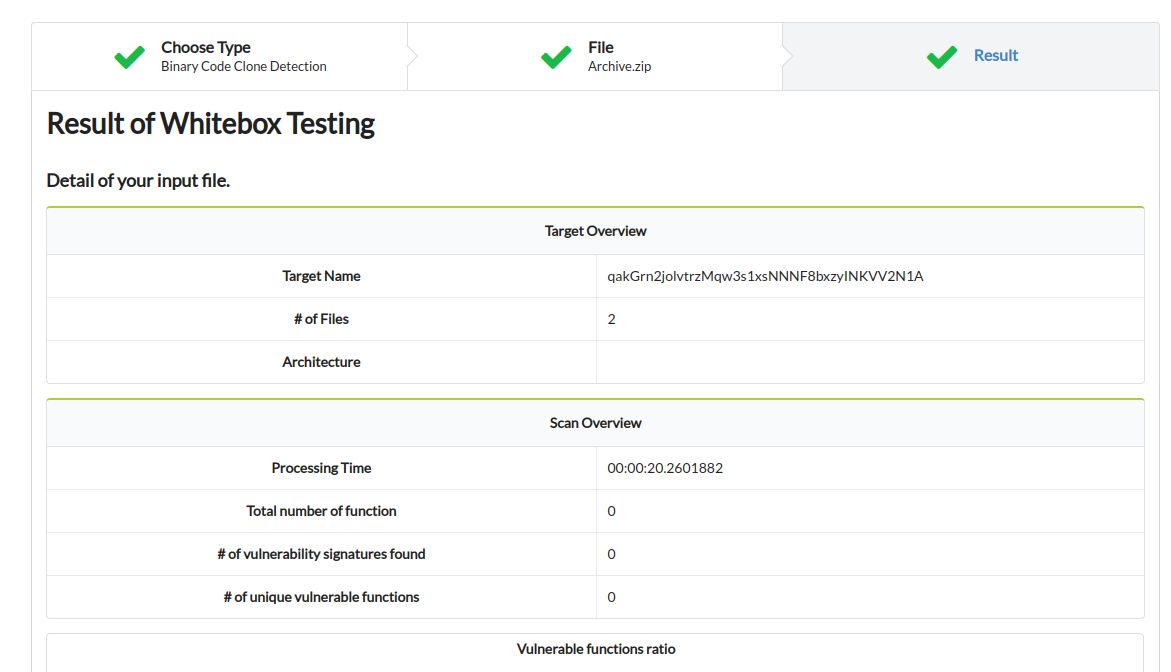
Check the result of binary code clone detection, including the number of vulnerable function, kinds of vulnerability inside the binary executables.